
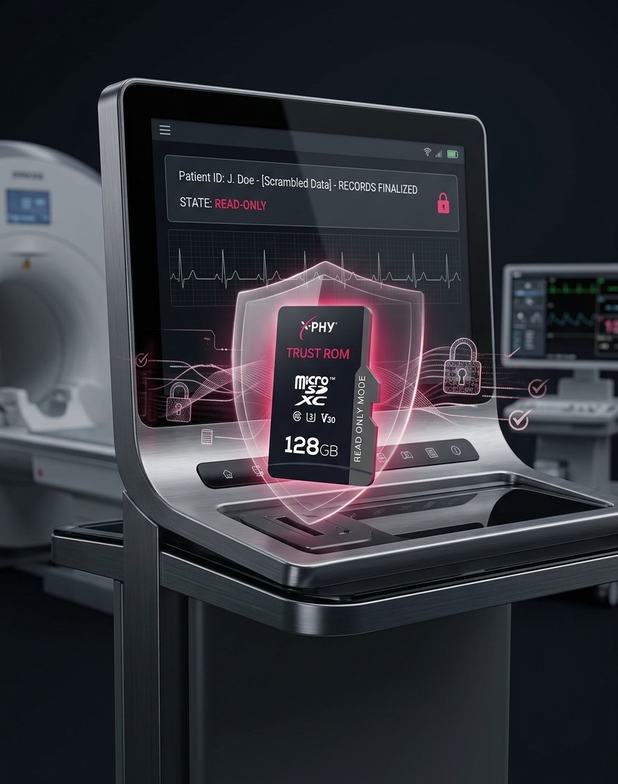
Medical & Healthcare
Critical Medical Records
Preserve finalized medical information in a protected state where unauthorized modification must be restricted.


Read-Only Data Protection
Read-Only Mode • Password-Controlled Write Access • microSD / SD / USB
X-PHY TrustROM is a removable-storage security family designed to preserve the authenticity of critical data by restricting modification after Read-Only Mode is activated.

 Unauthorized Modification

Problem
Critical files stored on writable removable media can be altered after they have been approved or distributed.
 File Deletion
Problem
Important records can be removed from conventional writable storage, breaking the continuity of trusted information.
 Data Overwrite
Problem
Existing files can be replaced by new data, making it difficult to preserve the original stored version.
 Loss of Authenticity
Problem
Once protected information is changed, organizations may no longer have confidence that the stored file remains authentic.
 Uncontrolled Write Access
Problem
Standard writable storage does not provide a password-controlled boundary for restoring write permissions to authorized users.
Key Advantages
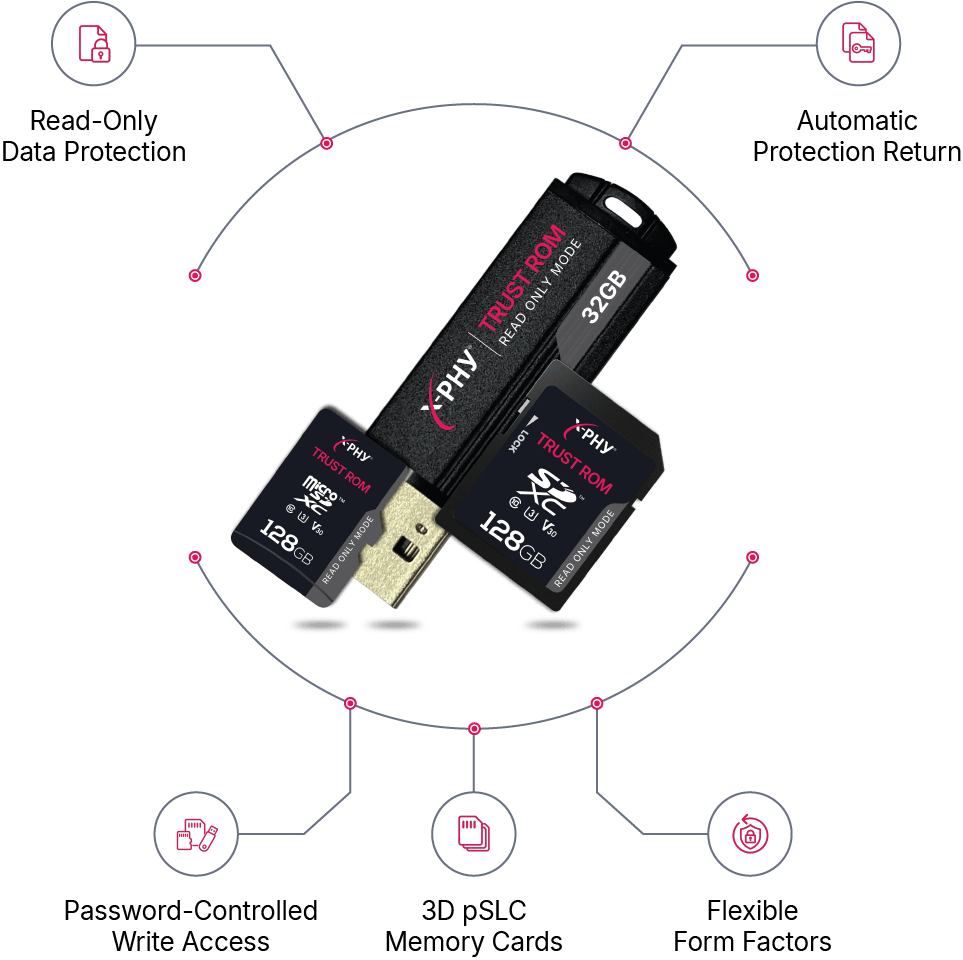
Controlled Read-Only Protection
 Read-Only Data Protection
Activate Read-Only Mode to make stored files readable while preventing ordinary modification, deletion and overwrite operations.
 Password-Controlled Write Access
Write access can be restored only through the security tool using the correct password.
 Automatic Protection Return
After the host is powered off or the device is reinserted, TrustROM automatically returns to Read-Only Mode.
 3D pSLC Memory Cards
TrustROM SD and microSD use 3D pSLC, which provides better performance and endurance than 3D TLC according to the datasheets.
 Flexible Form Factors
Deploy the same TrustROM concept across microSD, SD and USB storage formats for different host environments.
Security Architecture
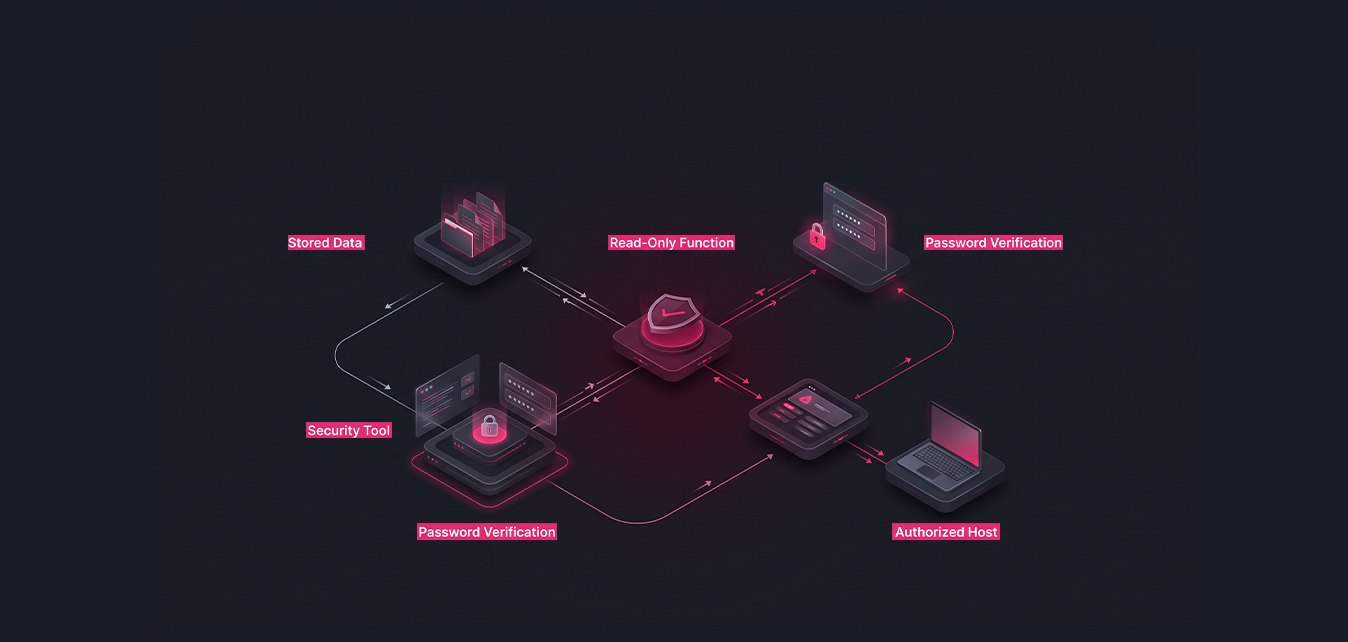
TrustROM separates normal data reading from authorized write operations through a controlled password and software-tool workflow.
How It Works
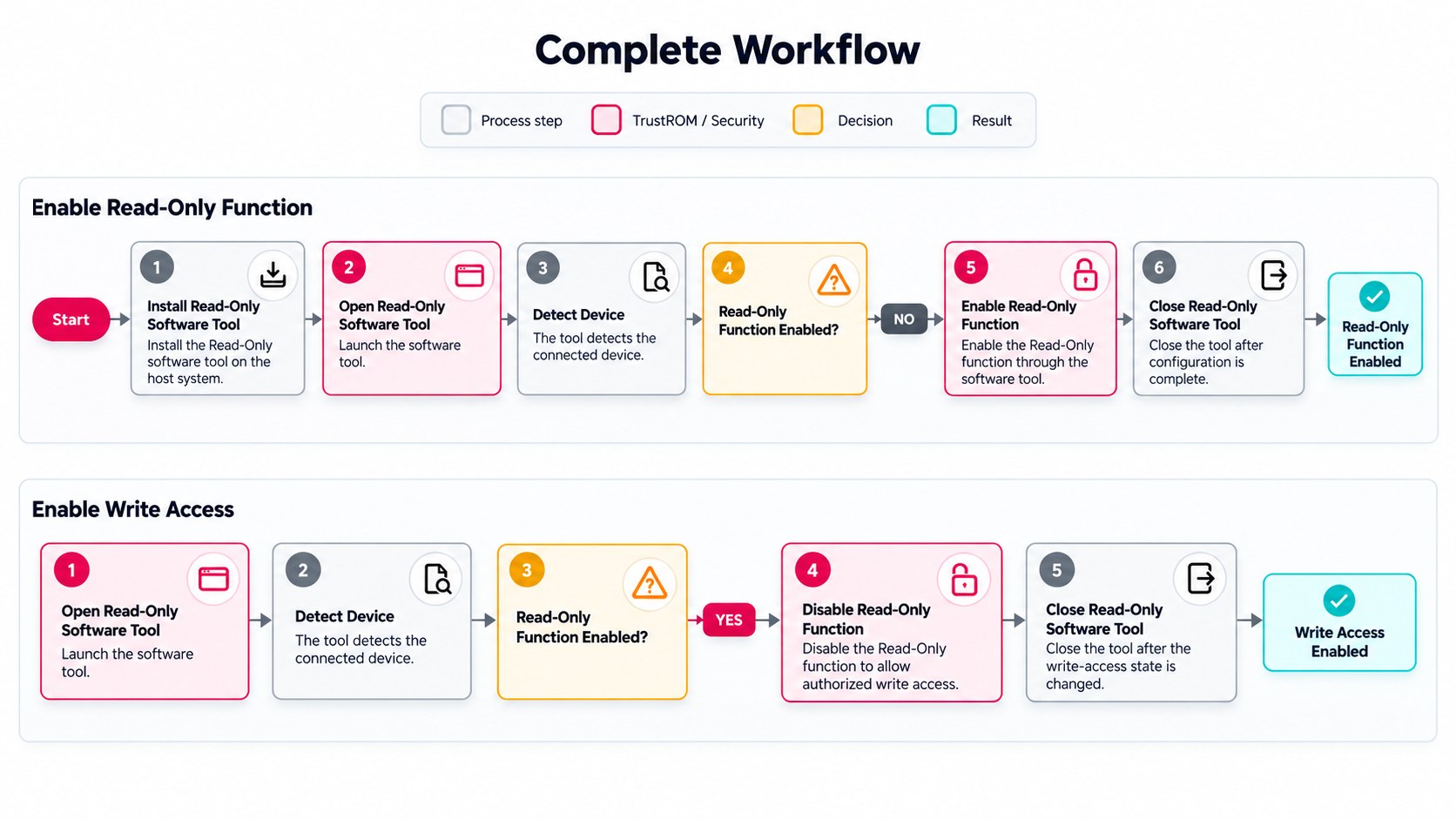
TrustROM uses a four-step operating process that keeps everyday reading simple while reserving write access for authorized users.
 01
01Start from Normal Mode, open the TrustROM software tool and set the password to activate Read-Only Mode.
02Eject and reinsert the storage device after the password and Read-Only setting have been applied.
03Access stored files for reading while Read-Only Mode prevents changes, deletion and overwrite.
04Use the security tool with the correct password on an authorized host when write access is required. After power-off or reinsertion, the device returns to Read-Only Mode.
Core Capabilities
Beyond Read-Only control, TrustROM includes storage-management functions designed to support dependable data operation.

Supports data encryption as part of the TrustROM storage feature set.

Supports automatic read refreshment for maintaining stored-data operation.

Includes management for read-disturbance conditions within the storage media.

Distributes flash usage through adaptive wear-leveling support.

Includes management features for unexpected power-loss conditions.

Supports SMART functionality for storage-device monitoring.
Use Case
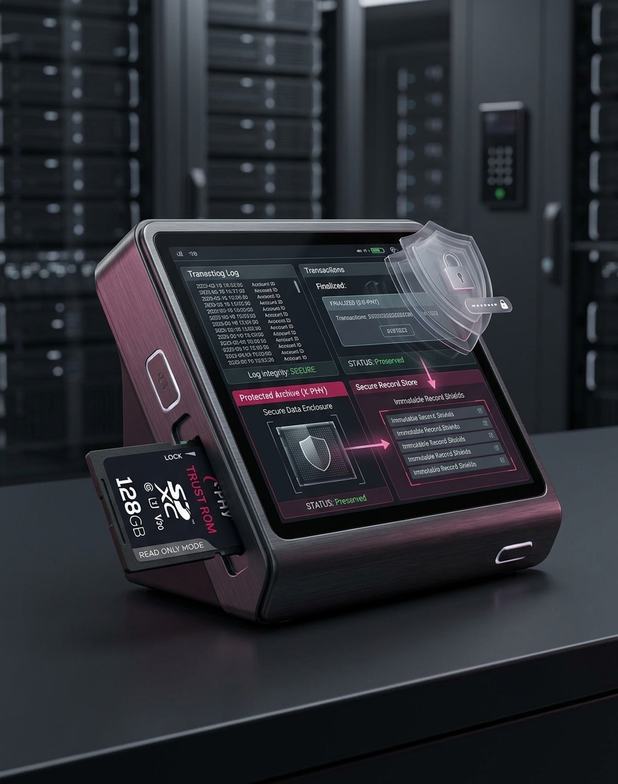
Medical & Healthcare
Preserve finalized medical information in a protected state where unauthorized modification must be restricted.
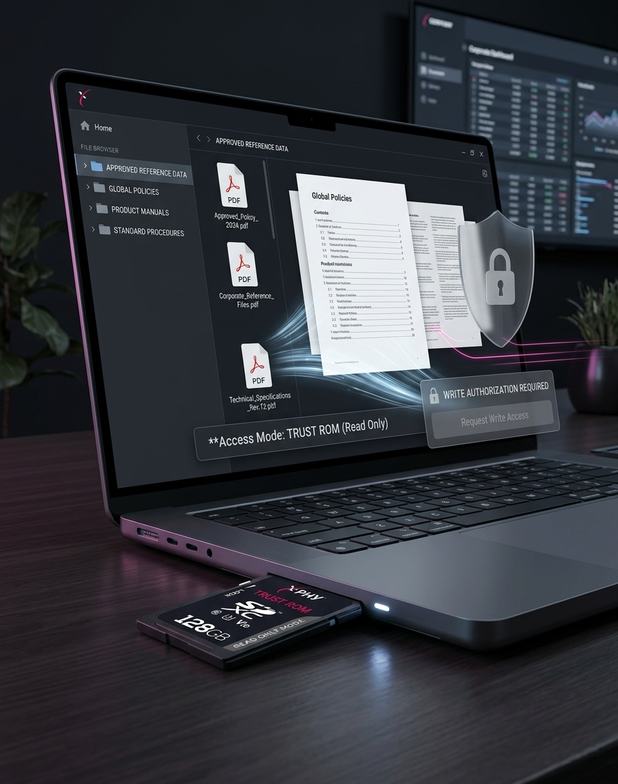
Financial Institutes
Maintain finalized financial information without exposing approved records to routine deletion, overwrite or alteration.
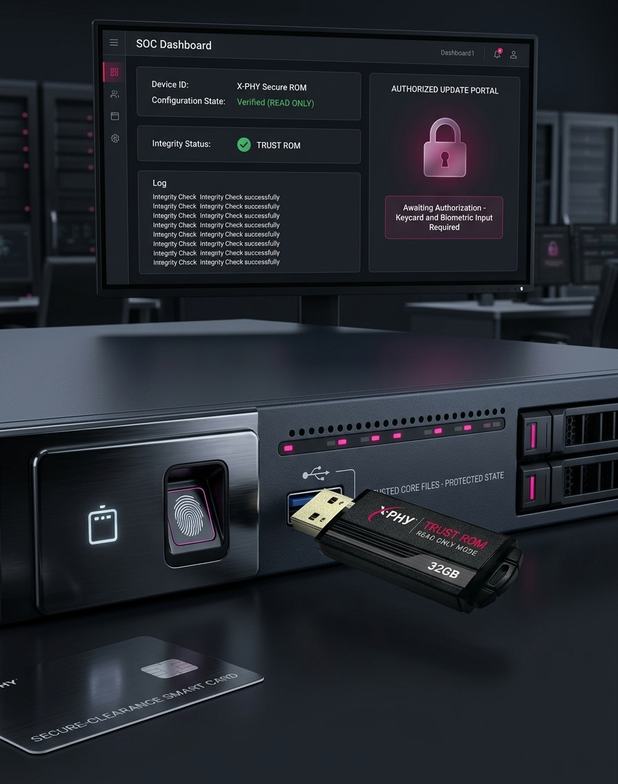
Business Organizations
Distribute approved business files that remain readable while write access stays under deliberate authorization.
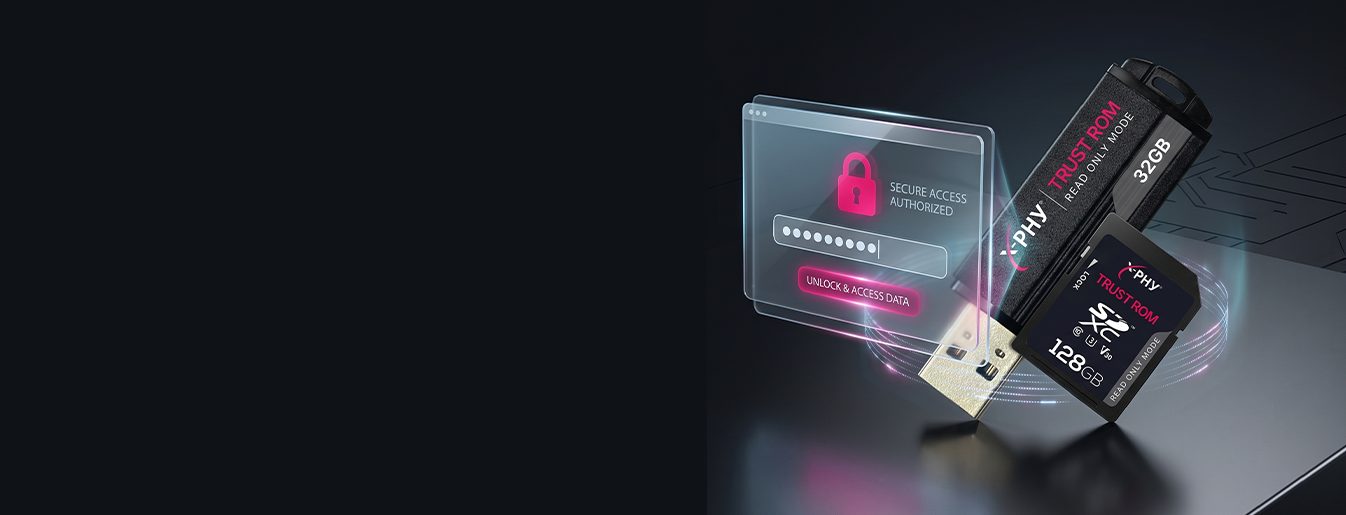
Cybersecurity
Maintain trusted security information in a protected state until an authorized update is intentionally required.

Ideal for environments where data authenticity is critical and write access must remain tightly controlled.

microSD / SD / USB
Form Factors

3D pSLC / MLC
Flash Type

16GB – 128GB
SD / microSD Capacity
8GB – 32GB
USB Capacity

More than 3,000,000 hours
MTBF

Up to 88 MB/s
SD / microSD Sequential Read
27.3 MB/s
USB Sequential Read

Up to 69 MB/s
SD / microSD Sequential Write
20.6 MB/s
USB Sequential Write

−40°C ~ 85°C
Diamond Operating Temperature

Supported
SMART Function
TrustROM Series
Select the storage format and capacity range that matches your host interface and deployment requirements.
Capacity
SD and microSD support SD System Specification 6.1 and SD SPI Mode.
X-PHY TrustROM
Choose the form factor, capacity and operating specification that best matches your storage environment.

X-PHY AI Assistant
Before we start — who are we chatting with?
We use your email only to follow up on this conversation.