
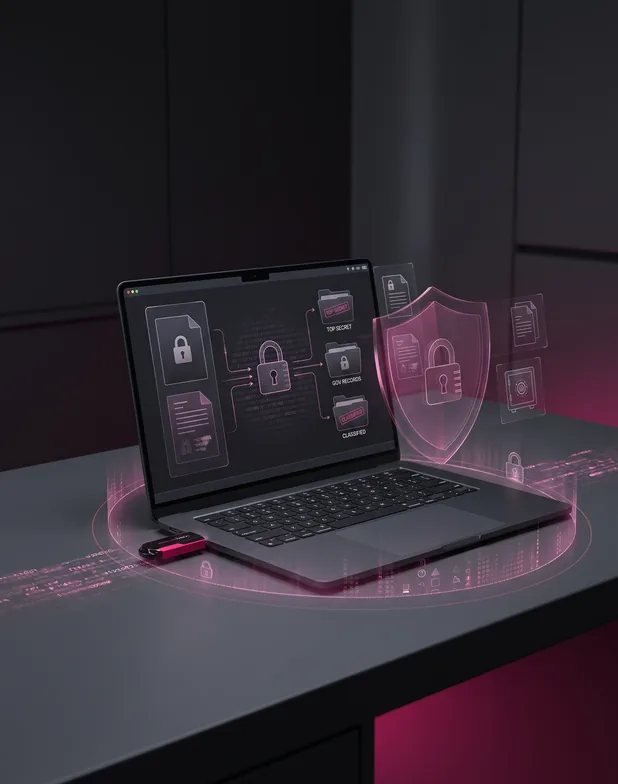
Government
Controlled records
For controlled documents that leave a government network on removable media.

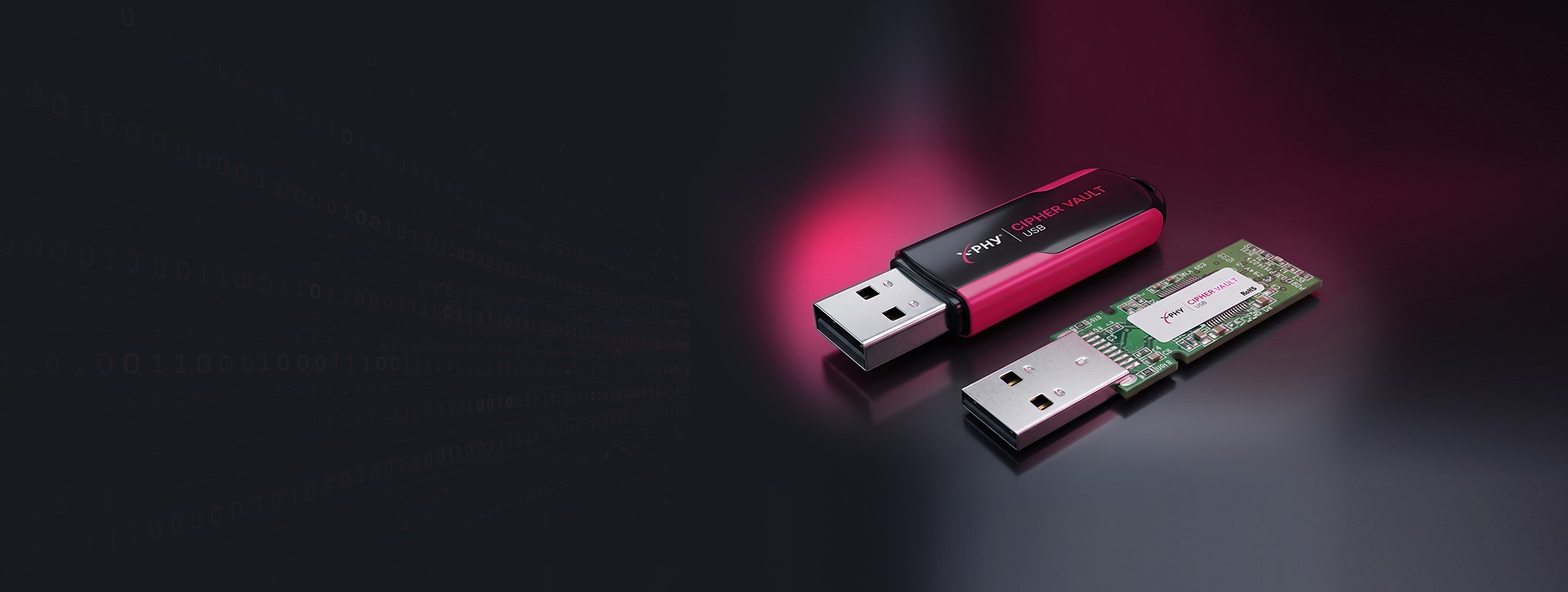
Hardware Data Encryption
AES-XTS 256-bit • Password Authentication • Nothing to Install
X-PHY Cipher Vault Secure USB is a super speed USB 3.0 removable flash drive with security functions built in, for a higher level of requirement in data protection — in an extremely small form factor with storage capacity up to 128GB.


Problem
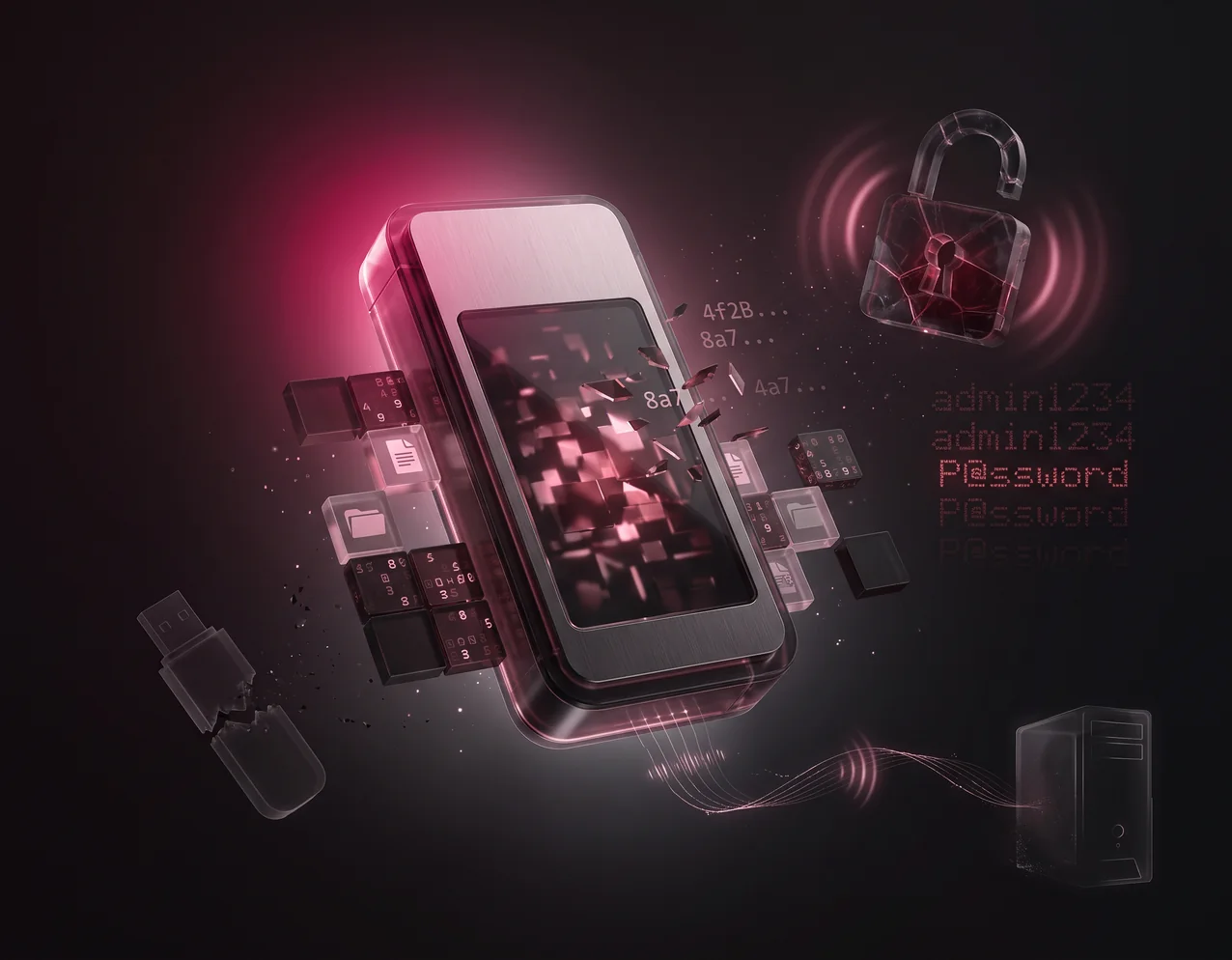
Files copied to a conventional USB drive are stored in plain form, readable on any computer the drive is plugged into.
Problem
A drive that allows unlimited password attempts can eventually be opened by repeated guessing.
Problem
Small drives travel in pockets and bags and go missing, taking whatever is stored on them.
Problem
A single volume gives confidential material and everyday files the same level of access.
Problem
Encryption that has to be installed on the computer, often with administrator rights, is unavailable on locked-down or shared machines.
Key Advantages
Encryption that lives on the drive
Encryption is performed by a hardware engine on the drive itself rather than by software running on the host computer.
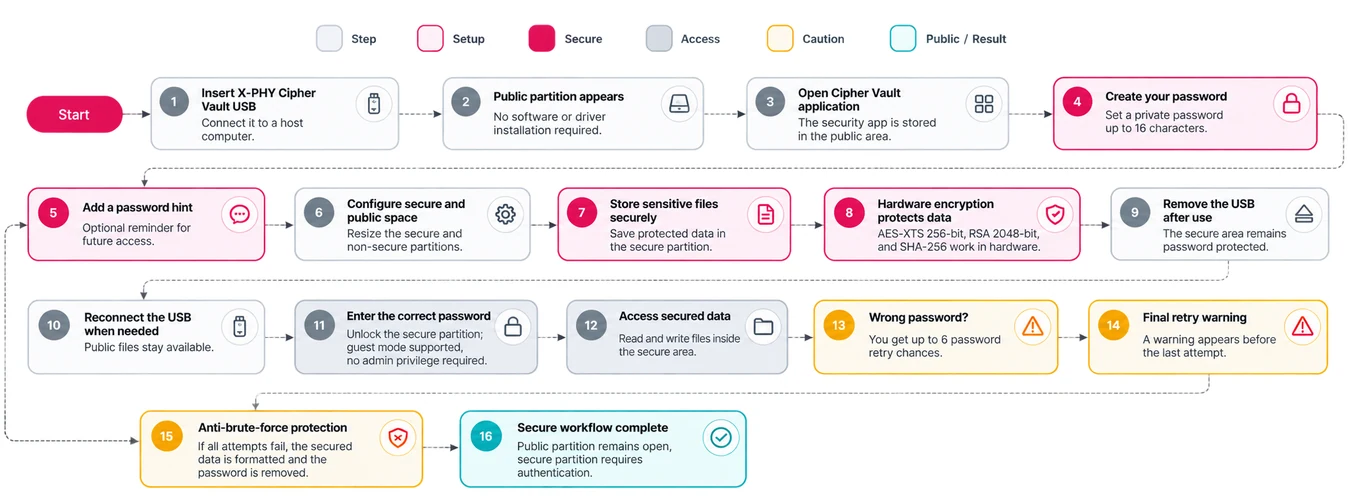
Encrypted data can only be accessible after password authentication. Set a private password of up to 16 characters, with a password hint function available as a reminder.
A configurable Number of Attempts (NOA) guards against brute-force attacks. Six chances are given to enter the correct password, with a warning before the last retry; if all attempts fail, secured data is formatted and the password removed. Data becomes permanently invalid when the password is reset or the maximum NOA is passed.
Password protection applies to the secure partition only. The public partition is available to all users to read and write data, and the size of the secured and non-secured areas can be customised.
No software or drivers installation required, and guest mode authentication is supported with no administrative privilege required. The interface follows the detected Windows language across English, Japanese and Chinese (Simplified/Traditional).
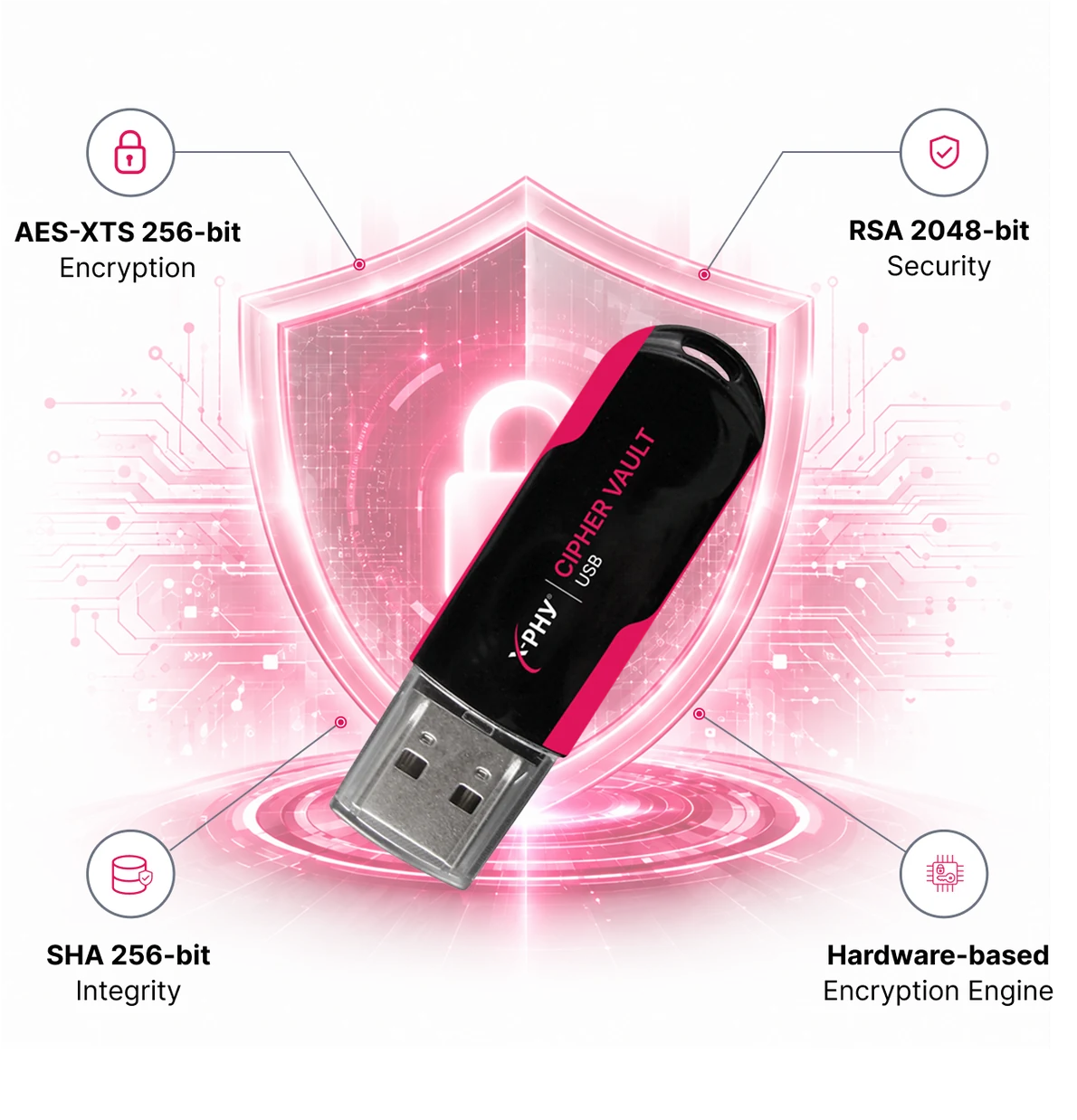
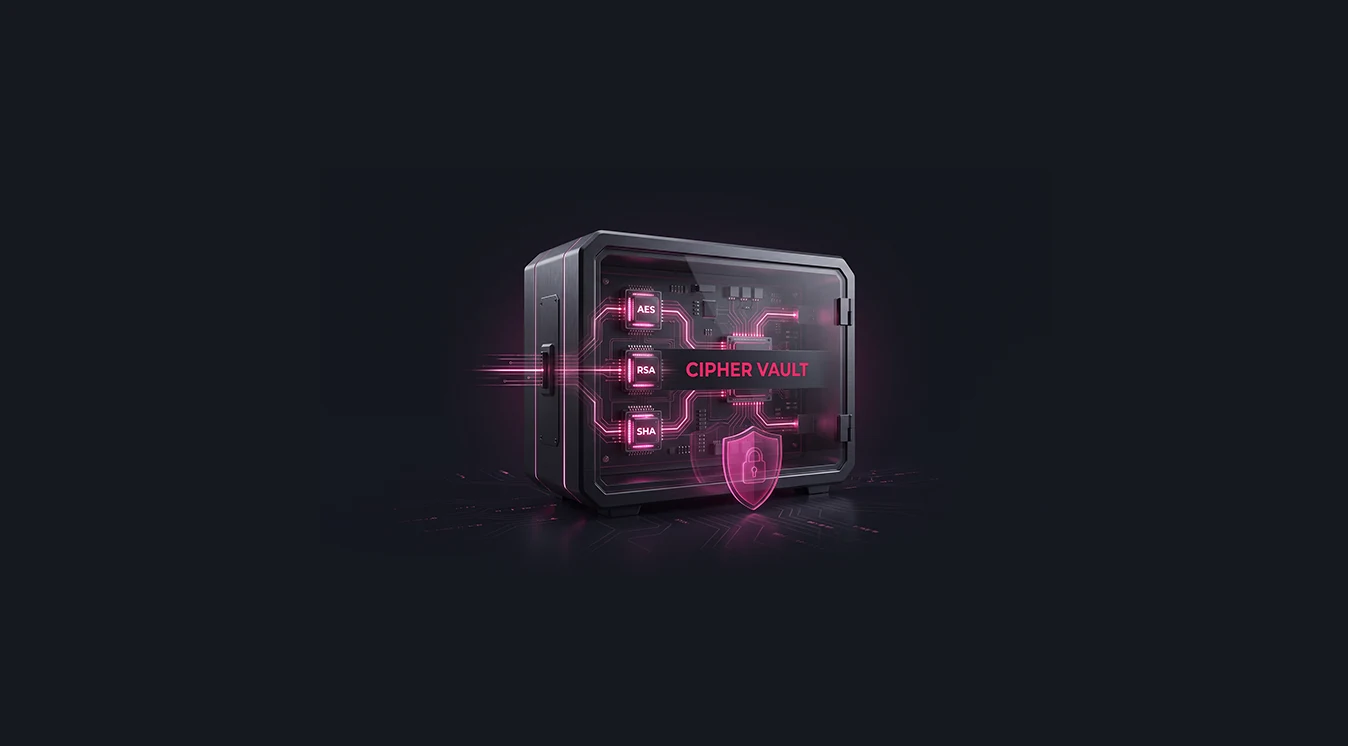
Security Architecture
A 256-bit AES-XTS module, a 2048-bit RSA module and a 256-bit SHA module, implemented in hardware on the drive.
Authentication Workflow
Four steps from first use to protected storage. The full workflow is set out below.
 01
01Connect Cipher Vault to a USB 1.1, 2.0 or 3.0 port. It draws 4.5–5.5V from the port, so no external power is needed.
02Run the Cipher Vault security application, which is stored in the public area of the drive.
03Create your password and set how much of the capacity belongs to the secure partition.
04Encrypted data is accessible only after password authentication, each time you use the secure partition.
Use Case
Government
For controlled documents that leave a government network on removable media.
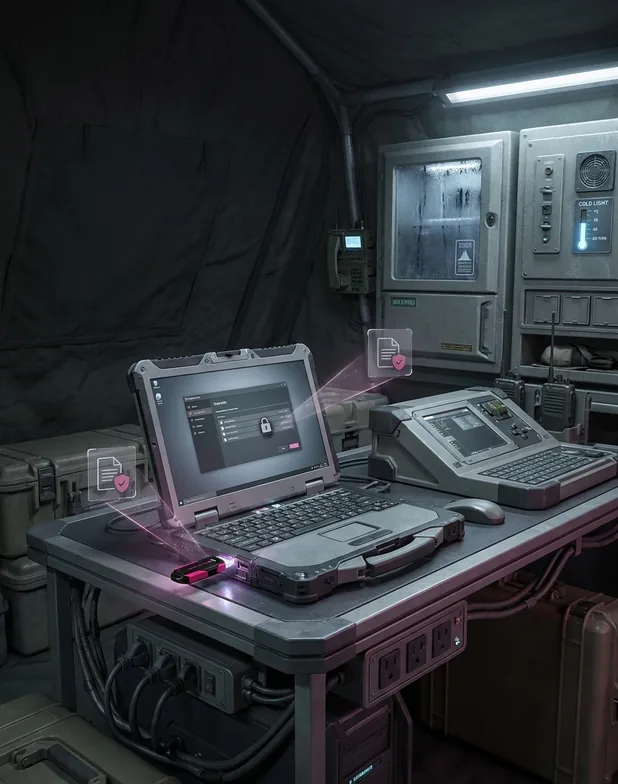
Military
For field systems where a drive moves between shared or locked-down machines.
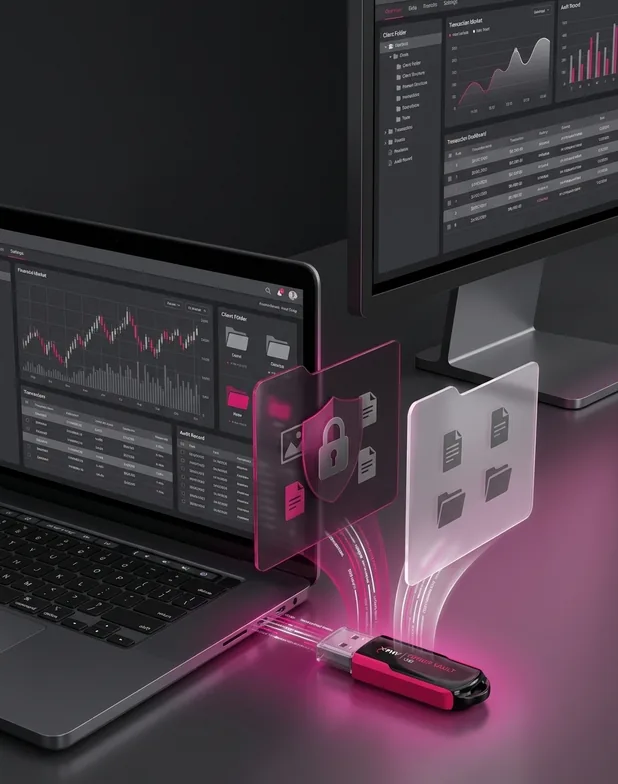
Finance
For client records and reports carried between office systems.
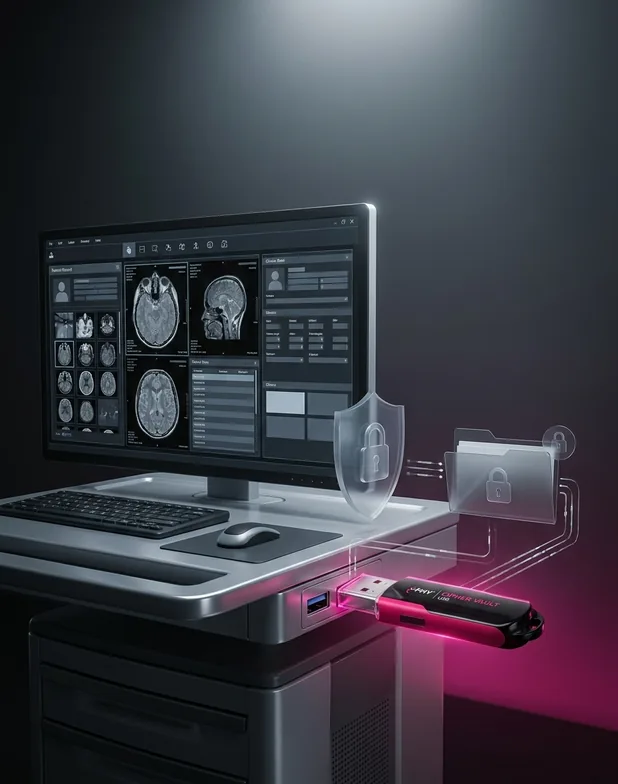
Healthcare
For patient information transferred between clinical workstations.

Suited to organisations that move confidential files between systems on removable media.

USB 3.0
Interface

3D TLC
Flash Type

16GB to 128GB
Capacity

More than 2,000,000 hours
MTBF

160 MB/s
Max. Sequential Read

Up to 130 MB/s
Max. Sequential Write

0°C ~ 70°C
Operating Temperature

Up to 10 years
Data Retention @25°C
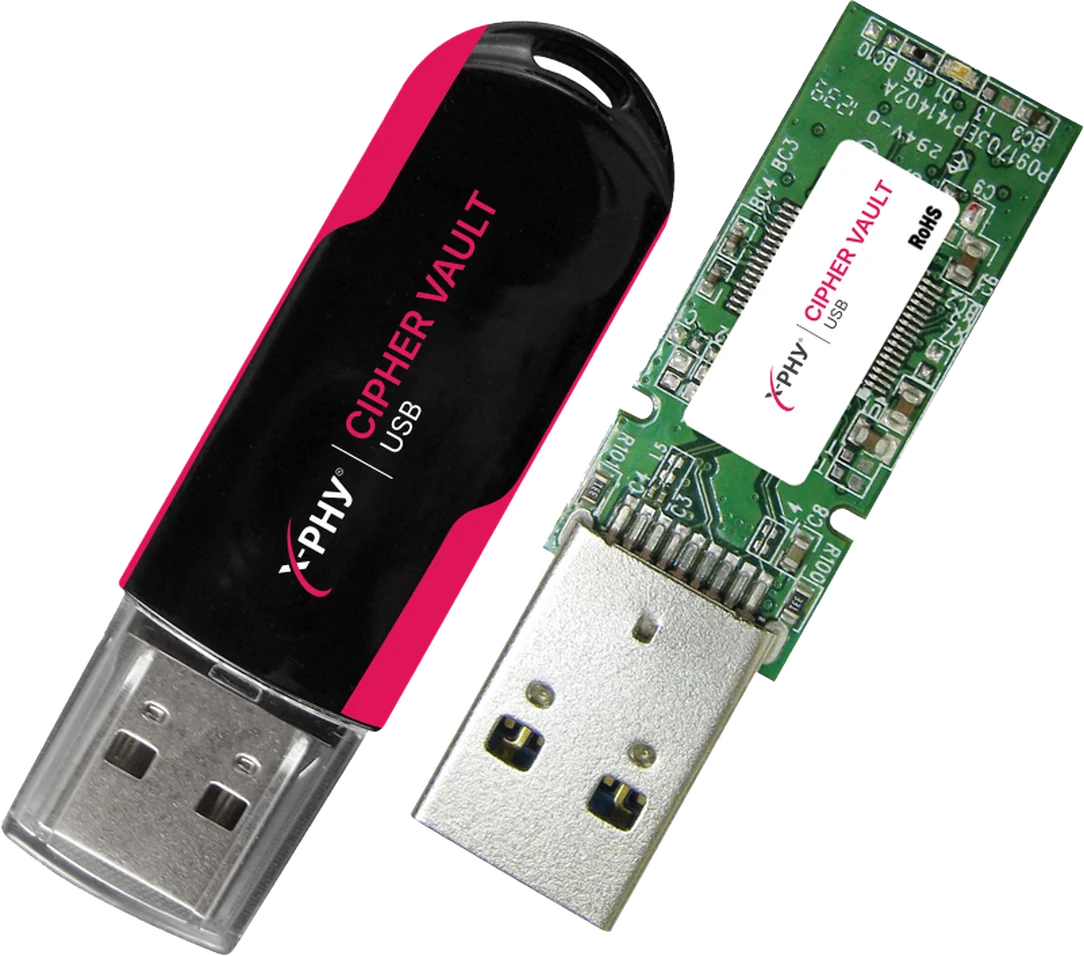
Cipher Vault USB
X-PHY Cipher Vault Secure USB carries an encrypted partition and an open partition on one 3D TLC drive, in a 58 × 17.5 × 9.5 mm housing.
Capacity
Cipher Vault USB
Available from 16GB to 128GB. Request pricing or talk to the X-PHY team about your deployment.

X-PHY AI Assistant
Before we start — who are we chatting with?
We use your email only to follow up on this conversation.